




Glasses Leaving Nose Marks? Check These Three Fit Points
November 27, 2026
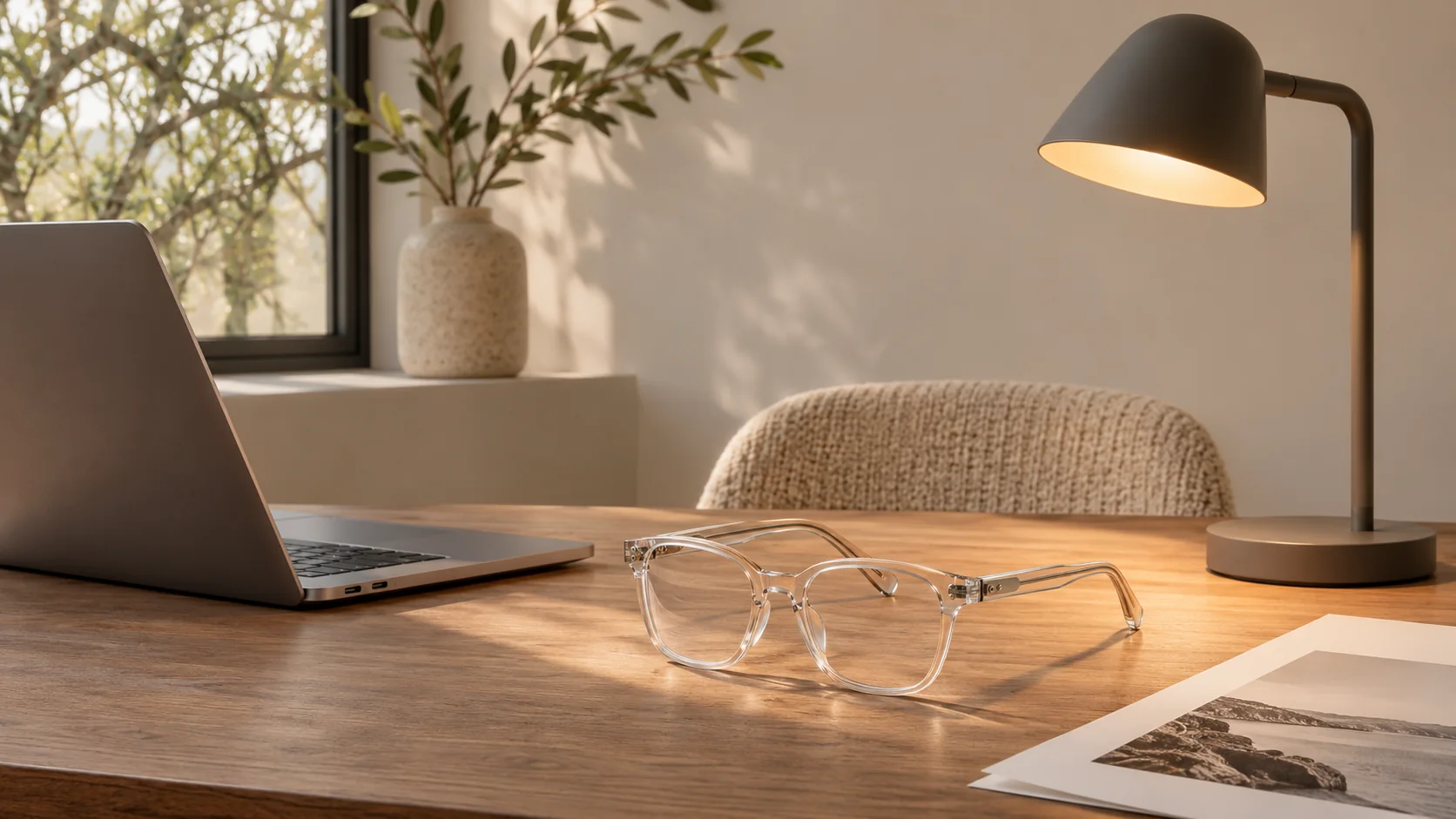
A grid of faces reflected across your glasses can be distracting on a video call, especially if your laptop screen is the brightest thing in the room. Open the camera preview before the meeting and look for the shape of the reflection. A bright rectangle usually comes from a screen or window. A small white dot often comes from a lamp.
Change the angle first
Move the light a little above your eye line and to one side. Check the preview after each move. If you can still see the bulb in the lens, bounce the light off a pale wall or try a larger, softer source. If a window is the culprit, turn your desk or close a sheer blind until the bright rectangle moves out of the view.
With an external webcam, raise it slightly and check where the reflections move while you sit normally. With a laptop, adjust the screen angle a few degrees. Keep the camera close to eye level so you can sit comfortably without holding your head in a fixed position.
Put some light in the room
At night, a bright monitor can dominate the reflection even when its angle is good. Add a soft room light, then lower the screen brightness a little if you can still read easily. A dark window in front of you can act like a mirror for other lights, so also check what’s outside the camera frame.
Check coatings when you next buy lenses
An anti-reflective coating can reduce reflections at the lens surfaces. It may still leave a visible coloured reflection under a bright light. If you are comparing computer glasses, look for a separate coating specification. Before your next call, record a few seconds while looking naturally at the screen and turning your head. That short clip tells you more than a still image with your head held in one place.
Frequently asked questions
Does a ring light work with glasses?
It can if you move it far enough off the camera axis for the circular reflection to leave the lenses in your preview. A lamp bounced off a wall is another option.
Will a blue-light filter remove a monitor reflection?
Blue-light filtering describes transmission through the lens. For a visible reflection, work on light placement and check the lens’s anti-reflective coating separately.